The guide
poptart
Write short patterns; poptart plays them on your own VST/VST3 instruments and effects, and turns any of their knobs while it plays.
Write short patterns; poptart plays them on synths, samplers and effects built into this page. Nothing to install.
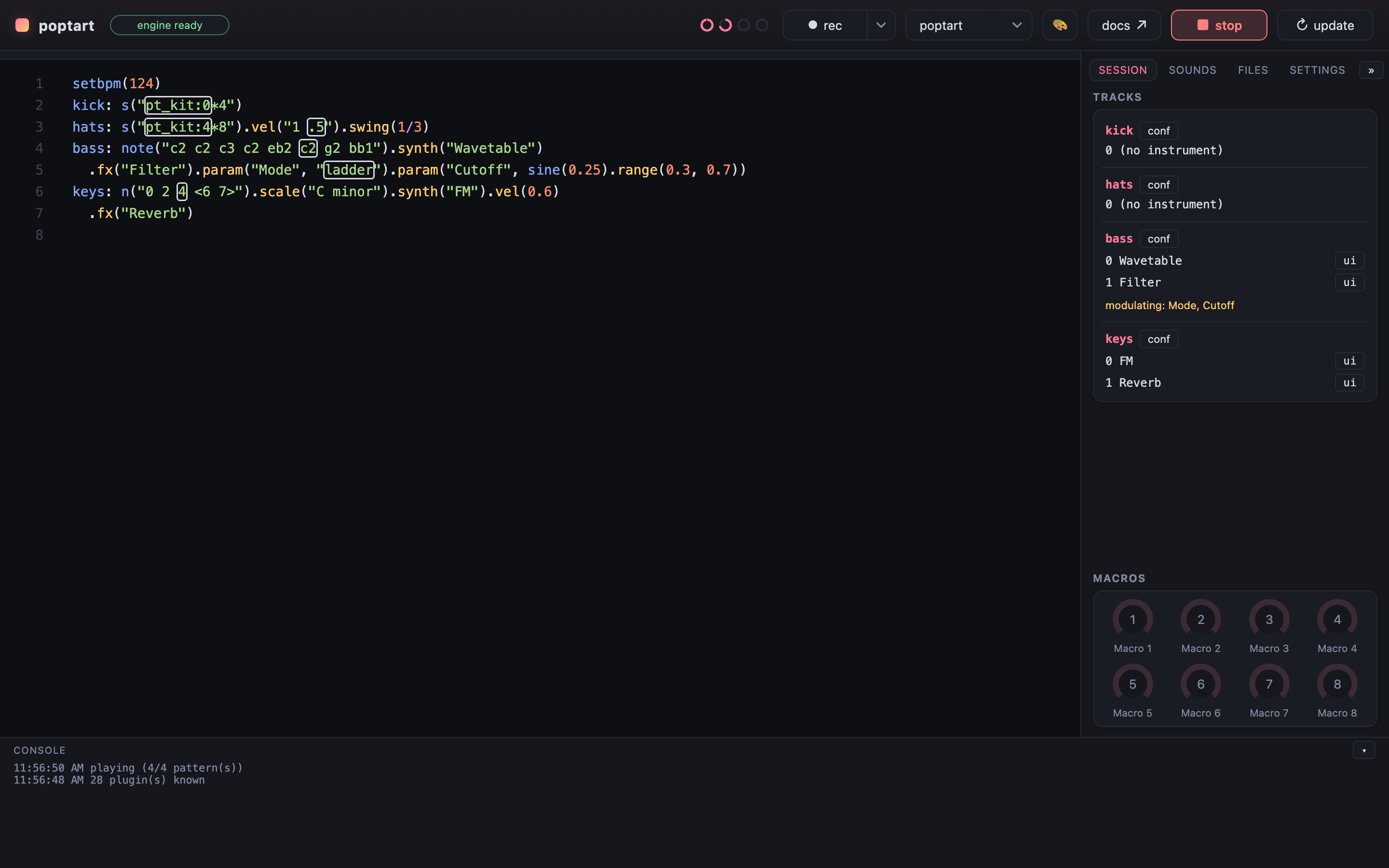
A first sound
A line that starts with a name and a colon is a track. Evaluate the buffer with
{mod+enter} and every track plays; {mod+.} stops.
Every example in this guide is the real editor: press ▶ play, click into the code to change it, and double-click a name like pianoroll, lfo or synth to open its editor.
kick: s("pt_kit:0*4").postgain(0.3)
hats: s("pt_kit:4*8").vel("1 .5").postgain(0.3)
bass: note("c2 c2 eb2 g1").synth("Wavetable")
  .fx("Filter").param("Cutoff", sine(0.25).range(0.3, 0.7)).postgain(0.3)
kick: s("bd*4")
hats: s("hh*8").vel("1 .5")
bass: note("c2 c2 eb2 g1").synth("Serum 2")
.param("Filter 1 Freq", sine(0.25).range(300, 3000))Change a number and evaluate again: the new version takes over without a gap. That is the whole workflow.
Chapters
Read them in order once, then come back for what you need.